Hey, we are already doing great with Power BI. All our requirements for visualizations and reporting are well covered by it. So then why should we UPGRADE to Microsoft Fabric?
In all honesty this is a great question!! I myself started pondering on this question and when I did some research I was able to conclude that Power BI does serve a lot in terms of analytics, visualizations and reporting but there’s so much else you can do with your data and that’s where you need a full blown analytics solution like Microsoft Fabric.
Let’s look at a couple things that you can do with a Microsoft Fabric solution.
Data Science
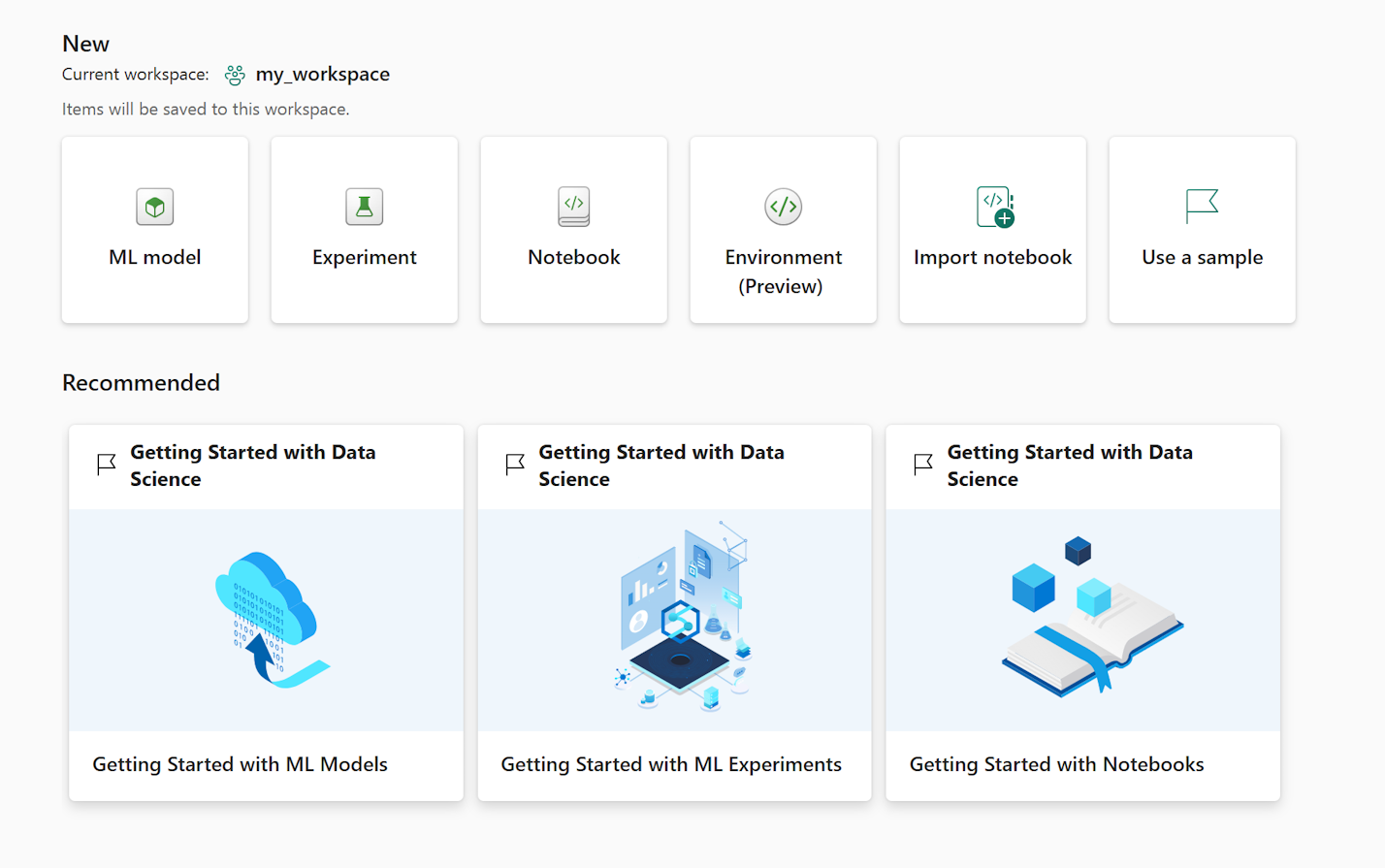
This is probably the biggest thing you can do with your data in 2024, i.e. create machine learning models and AI solutions, and no other platform could have done it better than Microsoft Fabric. With built in capabilities to source data from multiple endpoints, perform transformations, and train ML models, Fabric becomes the maestro of a data science solution platform. Gone are the days, where you need to install a Jupyter notebook on your desktop and share files with your colleagues. With Fabric it becomes so much easier with the help of workspaces, and lakehouses that collaboration is more fun now than the actual project. With built in ML capabilities, users can train and register machine learning models, save them as experiments, perform comparisons between multiple models, use batch scoring to get the best prediction model and load Power BI reports to visualize your predictions. And, an inbuilt Synapse library is the piece de resistance. Synapse lets you build production ready ML solutions. Read more here: What is Synapse ML?

Big Data Analytics
You probably need a supercomputer to run big data analytics on Power BI. Data processing on large data-sets still remains a great deal of workload for Power BI. And then you have limitations on the types of transformations you can do with direct import data queries. To fill this gap Microsoft decided to launch Real-Time analytics in Fabric. With just seconds of data provisioning, streaming and indexing of any data source or format, Real-time analytics let’s you generate on-demand queries and visualizations. You can manage petabytes of data with Real Time analytics. Additionally, you can route real-time events with a no-code experience, ideally used in IoT related data solutions. With KQL tool integrated into Real Time analytics, you can query telemetry, metrics, and logs with deep support for text search and parsing, time series operators, analytics and aggregations, geospatial searches and many other language constructs for data analysis on large data sets.
AI Services
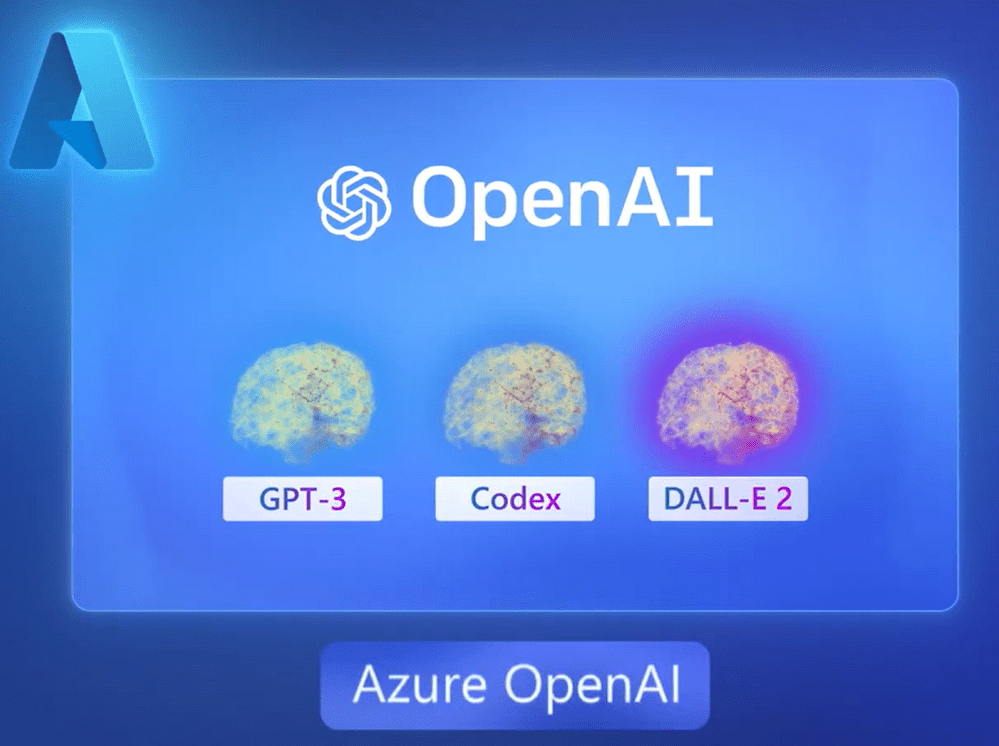
Fabric provides users to extend data science capabilities by integrating with AI models. You can access OpenAI services in Fabric along with Text Analytics, and Azure AI translator. If these don’t fit your needs you can also connect to custom models using the BYOK (bring your own key model). The pre-built models are available out of the box in Fabric which means that there is seamless integrations and you can use intelligent models and it’s usage is billed against your Fabric capacity.
Python + R + T-SQL
This one is for the developers who want to use cloud computing powers to perform data science, data engineering and data warehousing all within one platform. And if you are seasoned developer in all three you will find Fabric to be a life-saver and a life-giver all at the same time. With Apache spark providing fully managed compute platform with unparallel speed and efficiency, notebooks can be optimized to tailor to your own analytics needs. Fabric runtime offers a range of popular, Python open source libraries like Pandas, PyTorch, scikit-learn and XGBoost which almost covers all fundamental libraries and functions. And, with T-SQL you can communicate with all SQL servers from within your Fabric workloads.
OneLake
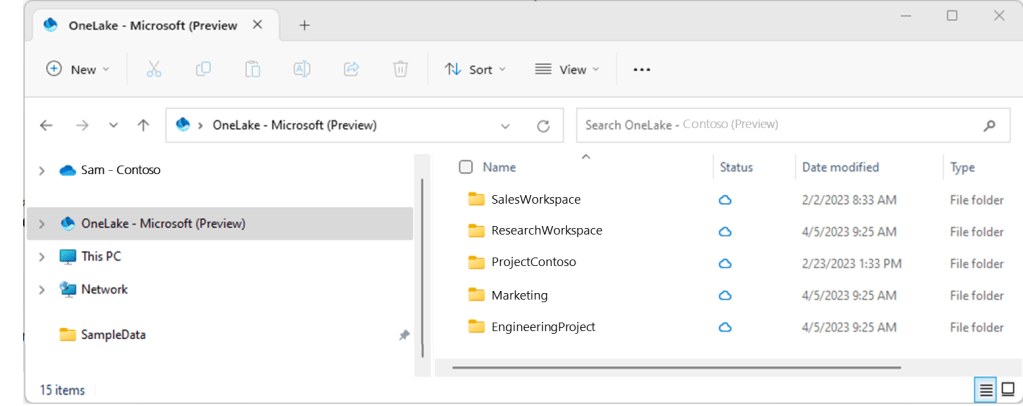
OneLake, the OneDrive for data! This one line explains it all. OneDrive as we all know is like a cloud windows explorer for files and storage. In a similar fashion OneLake is the windows explorer of all Fabric data sources, structured and unstructured. It is the single and unified place where you can find all your analytics data. The first time I saw OneLake explorer I was so amazed and couldn’t tell the difference between a regular windows explorer pane and OneLake explorer pane. OneLake is the intelligent data foundation of Microsoft Fabric for the entire organization. What make OneLake more interesting is the fact that you can create shortcuts, i.e. virtual data lakes that connect to your existing data sources like Azure, Amazon Web Services, OneLake, and Google cloud storeage through a unified namespace. Shortcuts are objects that simply point towards other storage locations.

Git Integrations
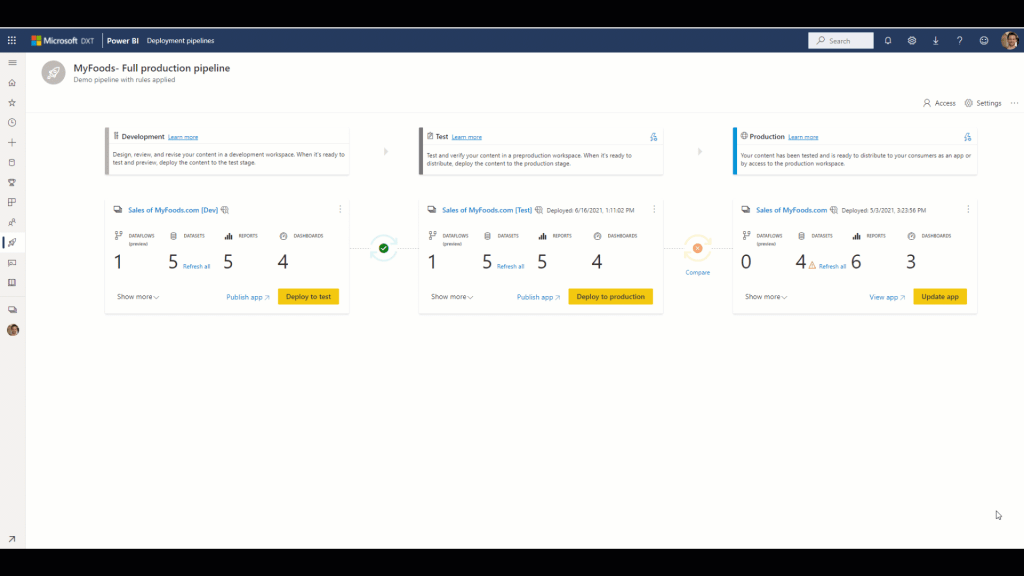
Microsoft has always been keen on developing standardizing systems for lifecycle management. Microsoft Fabric was no different for them. Starting with deployment pipelines, they started with providing a structure for staging different contents created by developers. With development, test, and production being the standardized stages for application lifecycle management, they made sure everything was systemized and followed all ALM principles in Fabric as well. They took this to a level further by allowing workspaces to connect to Git repositories through Azure Repos allowing version control, collaboration, and application source control tools on Fabric items. I mean this is gold for project or enterprises that work on the principles of DevOps. Deployments can be automated with Git integrations by using API functions and Azure DevOps which makes connections and synchronizations so much more easier.
COPILOT
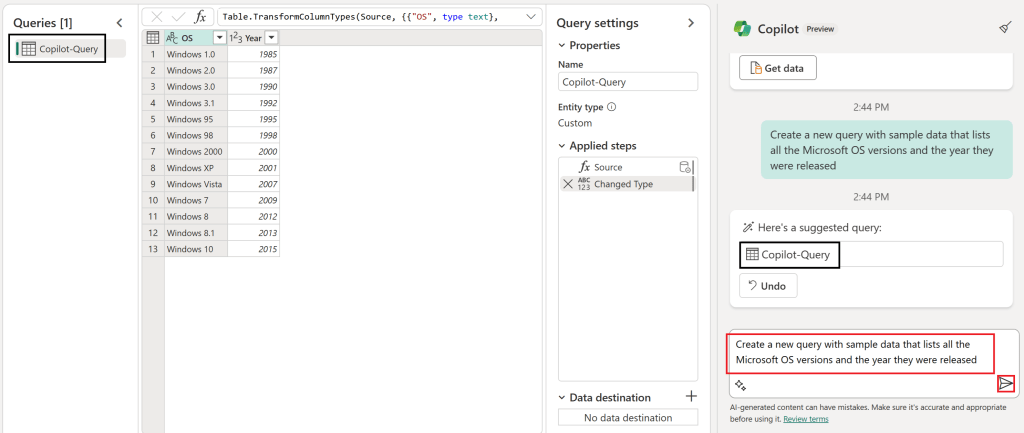
I saved the best for last. COPILOT…. who does not want an AI assistant that can do our tasks for us. And not just the easy tasks but complicated ones too like writing codes, automating tasks, building reports, and so much more. Copilot is enabled for Data science and engineering, data factory, and Power BI which means you can implement a full Fabric project with the help of Copilot. I am kidding you still have to give the write prompts to AI. So no it’s not taking your job away, YET!! For example, you can use Copilot to assist you with dataflows, or inside the notebooks to write you some fabulous codes. With it’s suggestion capability within the context of the data source or data frame, it becomes even more easier to write prompts to Copilot. This one definitely is value for money in Fabric.

So is an upgrade foreseeable?
Most definitely it is!! Enterprises can’t turn their faces away from the future which is Microsoft Fabric in all honesty. With Microsoft’s immense backing on it and integrations with popular components, libraries and frameworks for data analytics, it is imminent that Fabric will be a household name.
Hope you have found this article insightful. And, I will see you in the next one 🙂
For any questions or advice, feel free to reach out to me on LinkedIn.
 Data Skies
Leave a comment